Getting Started
This guide takes a brand-new user from the public landing page to a ready-to-use workspace.
The public home page
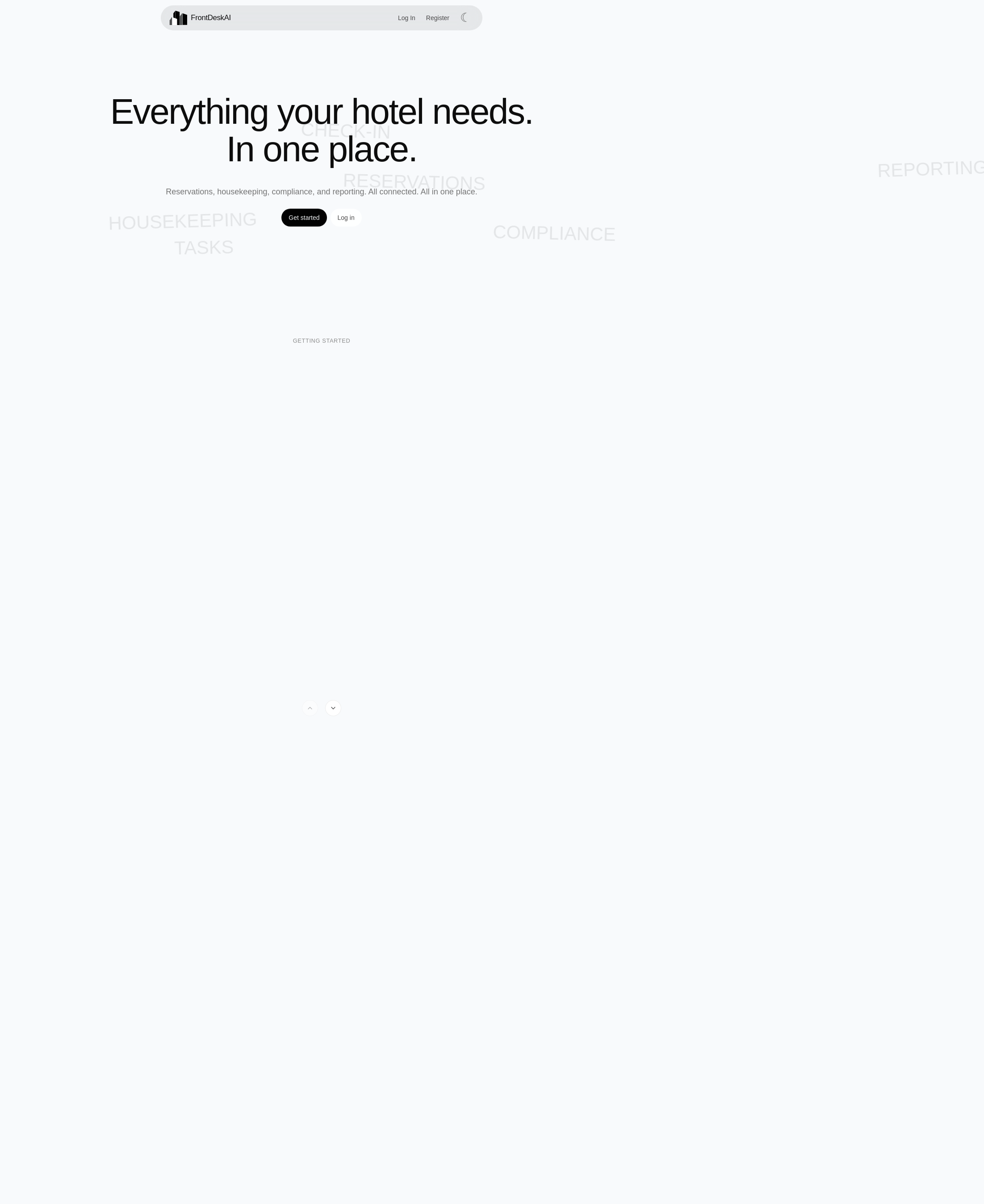
The FrontDeskAI landing page is the first thing a new user sees. It introduces the platform and offers clear paths to log in or create an account. No hotel data is visible until you sign in.
Creating an account
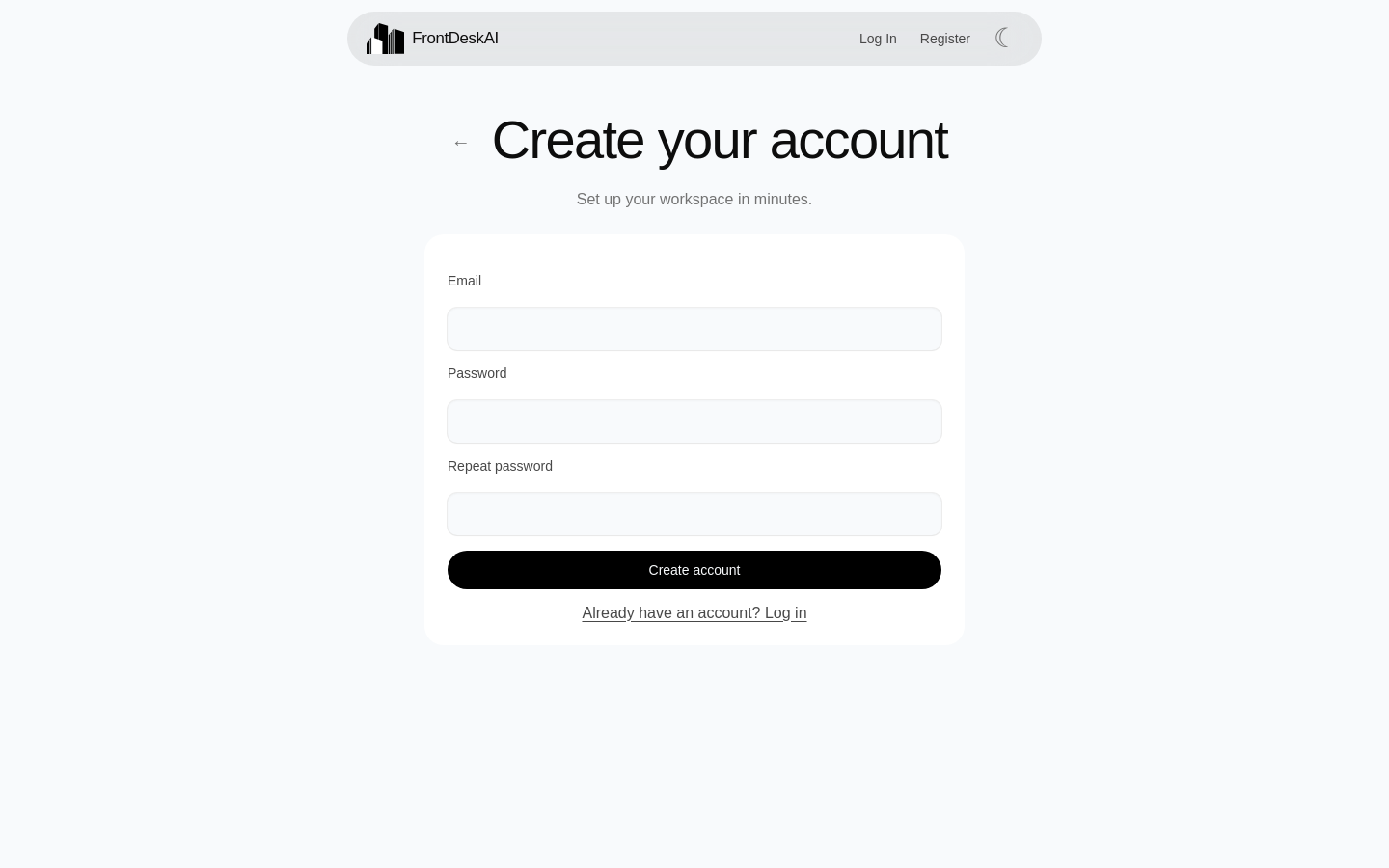
Registration asks for an email address and password. Email verification is mandatory — you will receive a confirmation link before you can sign in. Sign-in with Google is also supported.
Logging in
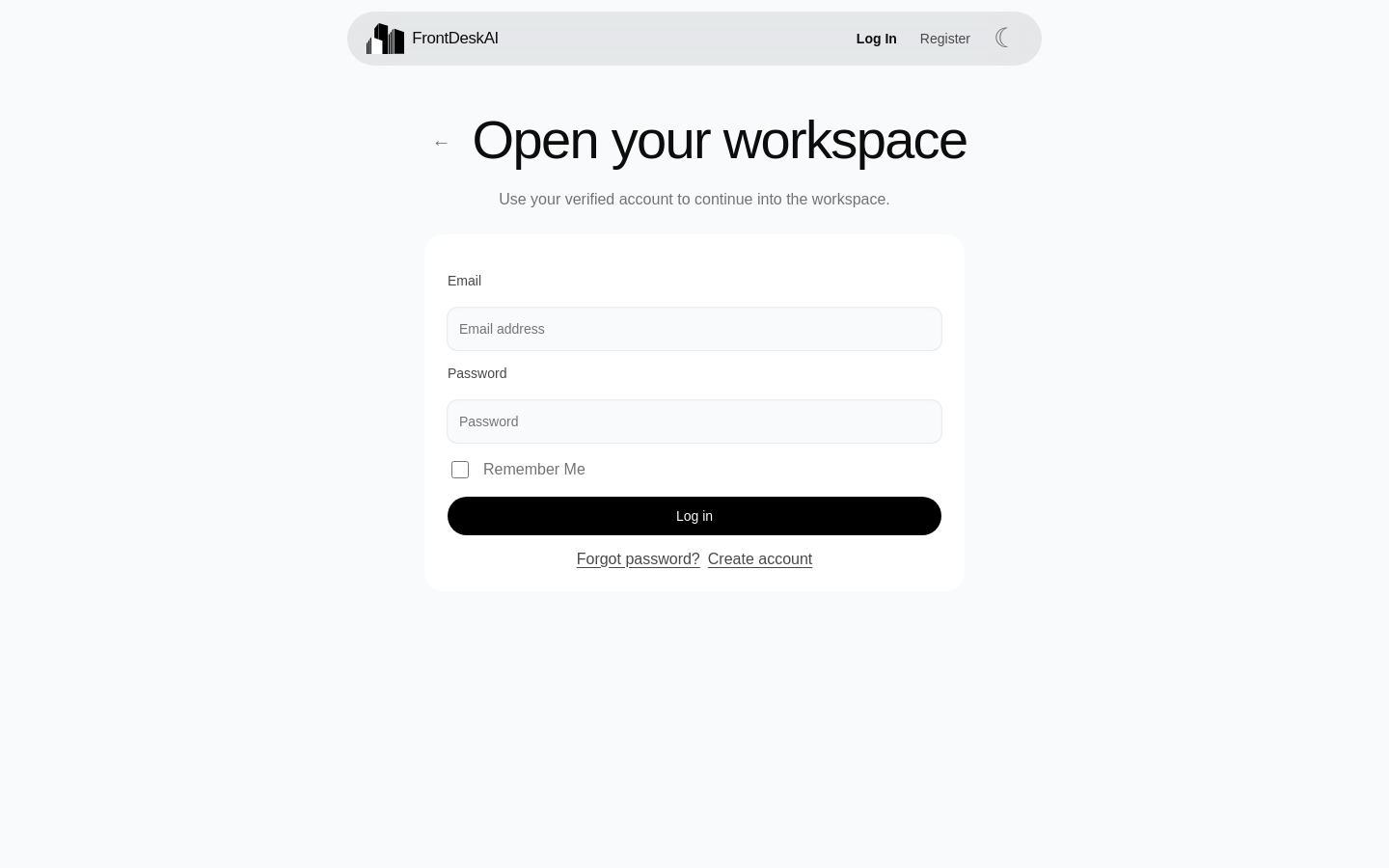
Returning users sign in with email and password. Accounts can be protected with two-factor authentication (TOTP), and repeated failed attempts lock the account temporarily.
Your home screen
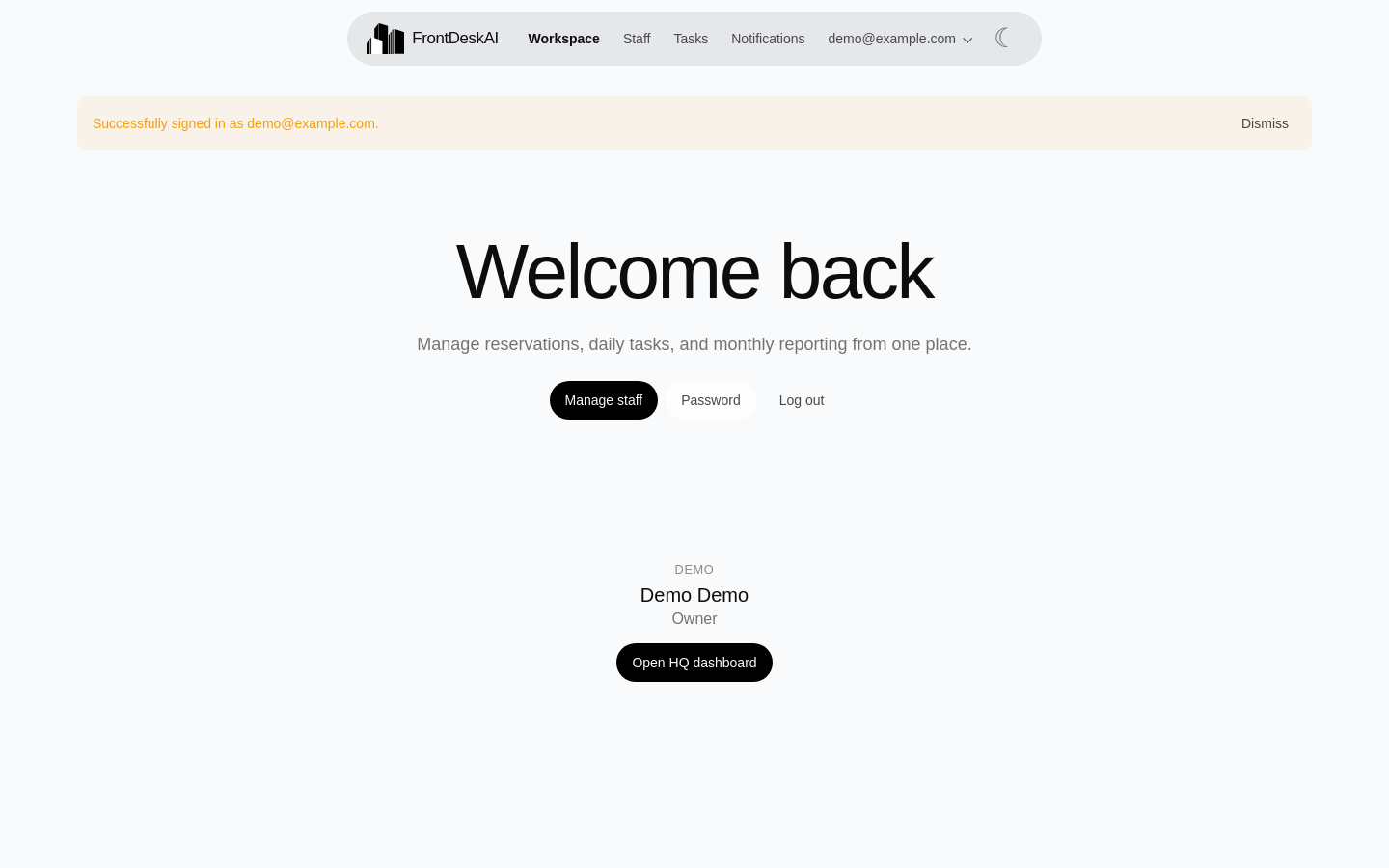
After signing in you land on the home screen. The navigation gives one-click access to the Calendar, operational task views, Analytics, Notifications and your account. This is the daily starting point for receptionists and managers alike.
Setting up your organization
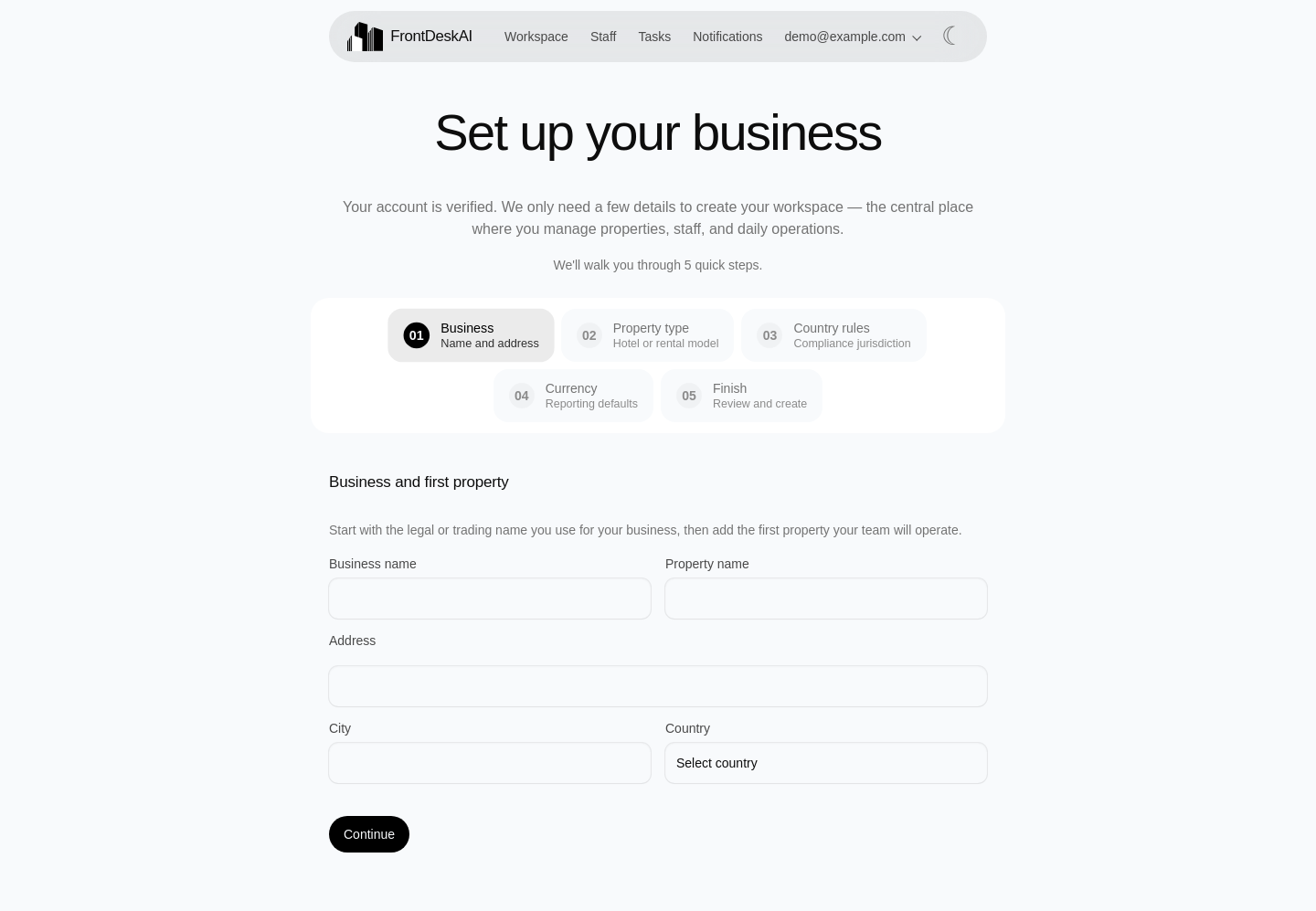
The onboarding wizard walks a new operator through initial setup: organization details, the first property, the operator type (hotel, multi-unit rental, private rental or chain HQ), legal jurisdiction and reporting currency. Completing it creates a ready-to-use workspace.
Next steps
- Front Desk — plan reservations on the date calendar
- Housekeeping — run the operational task board